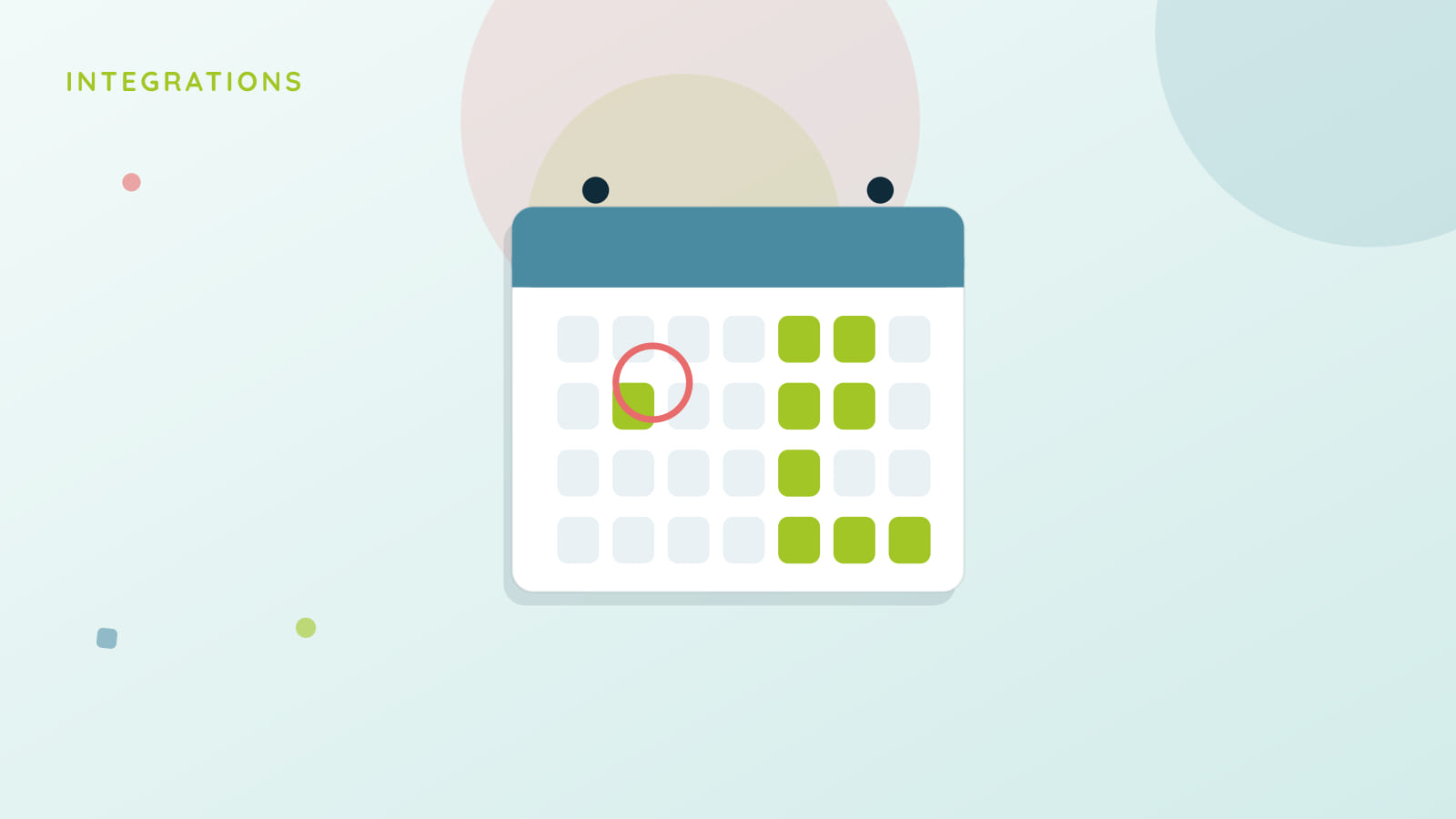
Finalsite sells calendar subscriptions with change alerts as a feature families and staff actually notice, because a static calendar feed that never tells you when something moved is only half useful. Bloomz matches that, and adds a step further: pushing events into the calendar app you already have open.
Subscribe, and get told when something changes
Subscribe to any class, team, school, or district calendar you can already see in Bloomz, with a per-subscription toggle for change alerts. The moment a subscribed event is created, updated, or cancelled, a notification tells you, instead of leaving you to notice a game time moved only when you show up at the old one.
From there, into Google or Microsoft
One tap pushes your subscribed events into a dedicated Bloomz calendar on Google or Microsoft, kept in sync automatically as things change on the Bloomz side. Disconnect anytime, and everything this pushed comes out cleanly.
What this is, and isn’t, yet
This is a one-way push, Bloomz to your calendar app, not two-way sync. An RSVP you make on your own Google or Microsoft calendar doesn’t write back into Bloomz’s RSVP count. If you’re an Apple Calendar user, nothing changes for you: the existing one-way .ics subscription feed you may already use keeps working exactly as it did.
Available now, behind a flag
Calendar Subscriptions & Sync is part of Bloomz Premium, off by default until your district turns it on. See it alongside conferences and scheduling on the Coordination page.