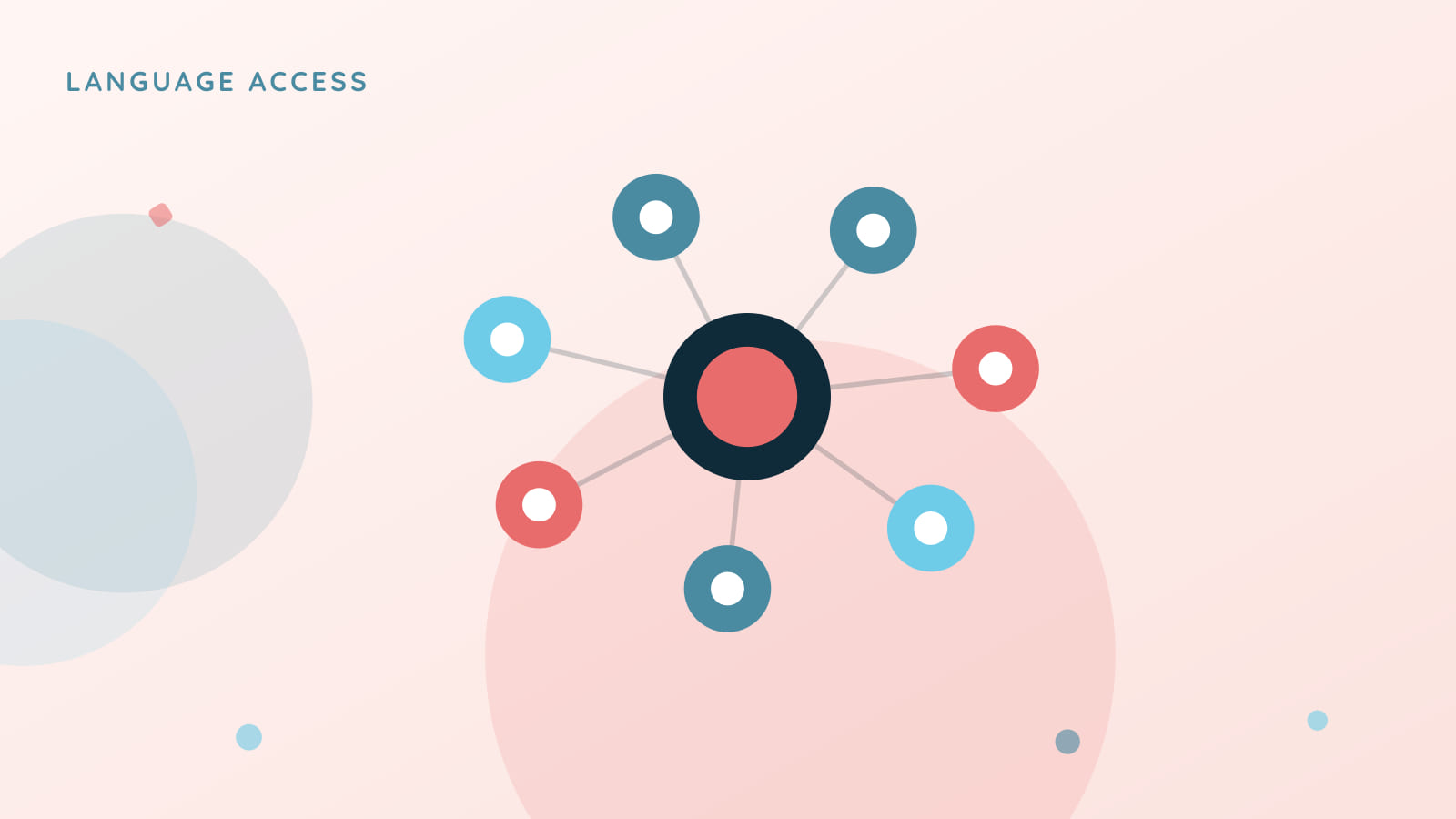
TalkingPoints built its identity around human translators, and that’s a staffing and operations investment, not just an engineering one. Bloomz does not supply translators. Translation+ is built on top of the translation platform Bloomz already runs at 250+ languages, and it puts the human step under your district’s control.
A glossary that protects your terms
Machine translation is good, but it doesn’t know that “IEP” isn’t a word to translate, or that your district calls its after-school program something specific that shouldn’t turn into a generic phrase in another language. Translation+ starts with a district-curated education glossary, so terms like these render correctly instead of a machine’s best guess, every time.
A button, not a promise you’ll notice a button exists
Under any received message, families can tap a “What does this mean?” button to get plain-language definitions of the terms Bloomz detects, useful for a family new to U.S. school jargon, or just a parent who’s never heard “504 Plan” before. To be precise about what shipped: this is a button you tap, not text inside the message that highlights and becomes clickable on its own. That’s a real, deliberate distinction, and one worth stating plainly rather than letting the feature sound more automatic than it is.
Your own reviewers, on a 15-minute target
When a message or document needs a human translator, a request routes into your district’s Translation Review queue with a 15-minute target for your certified reviewers, or to a vendor you connect. Bloomz does not supply translators. The queue keeps the same certification discipline: translatorName, translatorCredential, certifiedBy, certifiedAt, on every language.
Document translation and voice, where they’re ready
Upload a document and Bloomz translates it with the same glossary protection, holding it for district review the same way any non-routine content already is. Voice replies and read-aloud playback are available on the Bloomz mobile app today; web support for recording a voice reply isn’t there yet.
Available now, behind a flag
Translation+ is part of Bloomz Complete, off by default until your district turns it on. See the full picture on the Immersive Translation page.