When we first wrote about Admissions CRM, it covered the middle of the funnel: inquiry, application, review, decision, offer, deposit, convert. The edges were thin. A family could request a tour, but you could not run an open house with a seat limit. You could accept a student, but the offer had no deadline and no contract. And when interest dropped off, the funnel showed you the counts without much of a story.
Those edges are now filled in. This is a tour of what a school can do, in the order a family meets it.
Fill the open house
Open houses, group tours, and info sessions are now events with a capacity and an optional waitlist. A family signs up from your public inquiry form, no Bloomz account needed, and gets a confirmation email with a calendar link and a cancel link. Reminders go out before the event once Bloomz switches them on for your environment. When someone cancels, the next family on the waitlist gets the seat. Afterward, staff mark who attended and who did not. Times show in your school’s time zone, so nobody has to do the arithmetic.
Follow up on time
Most inquiries do not turn into applications the same week. A follow-up sequence is a short series of timed emails: a welcome on day zero, an invitation to book a tour on day three, a reminder that the application is waiting on day seven. Each step can carry a condition, such as “only if no tour is scheduled yet,” and each step can be written in English, Spanish, or Arabic.
A few rules are built in rather than left to chance:
- Emails go only to families who agreed to be contacted. A lead a staff member types in by hand needs that consent recorded before the family can enter a sequence.
- A family leaves a sequence on its own when it applies, when the inquiry is closed, or when the family unsubscribes. The unsubscribe page needs no account.
- No more than one follow-up email a day goes to a family across sequences, and they send within the hours you set.
- Turning a sequence on does not sweep in your existing inquiries. It starts with the families who inquire after that.
Each step shows how many emails were sent and how many were skipped. There is no open or click tracking. Families who never made an account should not be profiled by an email they received, so the results count only what the school already knows.
See where the funnel leaks
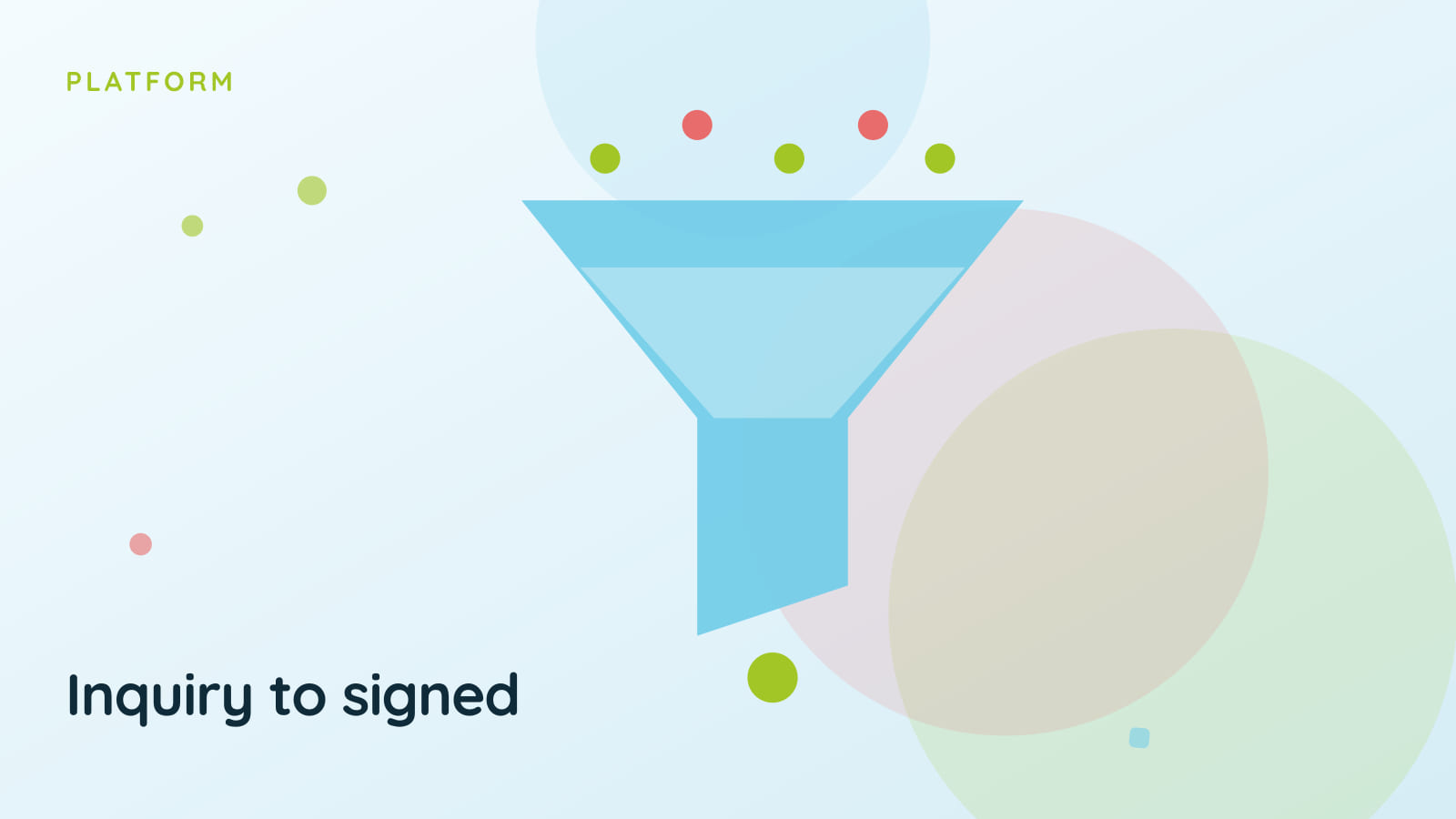
The funnel now shows inquiries, applications, acceptances, and enrollments by week or by month, so you can see when interest picks up and when it stalls. Tag your inquiry links with a campaign name, one for the flyer, one for the newsletter, one for the open house, and a campaign table shows how each did from inquiry to enrolled.
Next to the funnel, a Needs follow-up list shows inquiries that have gone quiet, using fixed rules your staff can read: a tour no-show, a new inquiry nobody has contacted in a couple of days, an application that sat in draft for a week. The list works on its own.
An optional AI suggestion, with staff in charge
If your district has AI Assistance on, a school can also switch on Admissions AI Suggestions, a separate setting that is off by default. Staff can then ask for a suggested next step on a family in the list: call, email, invite to apply, schedule a tour, close, or wait. The suggestion comes with a short reason and a draft message that staff can edit.
AI suggests, staff decide. Choosing “do it” opens the usual screen with the draft filled in, and nothing is sent until a person sends it. When staff ask for a suggestion, Bloomz sends the guardian’s and student’s first names, a short status summary and recent staff notes with contact details and last names removed. Email addresses, phone numbers and last names are not sent. Anything else typed into a note is sent as written. The AI does not decide who needs attention either; the rules above do that.
Offers have deadlines, and contracts get signed
An offer can now carry a deadline. When it passes without an answer, the offer expires, the seat is released, the office is told, the family is notified in the app or by email, and staff can reopen it if the family comes back.
If a season has an enrollment contract, accepting the offer means reviewing and signing it in the app. The family reads the contract, types their name, and can add a drawn signature. Bloomz keeps a signed PDF with the time and IP address. Staff can countersign, record a paper signature for a family who signed on paper, or void a signed contract so the family signs the current version; the earlier signed copy is kept. The deposit step follows the signature, and then one click converts the student into Registration & Enrollment.
Contracts belong to the Accept path. A family that accepts a seat offered from the waitlist does not go through the contract step.
Returning students, in the same view
Admissions now shows returning, not returning, and undecided students by grade, with a retention rate, read from Registration & Enrollment, with grades read as recorded there. A season can count returning students against its seats, which keeps the number of open seats honest. Families still re-enroll in Registration & Enrollment; Admissions only reads what is there.
What it does not do
We would rather be plain about the edges. Follow-up emails are email only, with no text-message sequences and no open or click tracking. Admissions events have capacity and a waitlist, but no paid tickets. The trend views are counts, not forecasts.
Availability
Admissions CRM is an Enrollment add-on, off until your district turns it on. Event reminders, follow-up sequences, and offer expiry run as background emails that Bloomz switches on for each environment, so ask your Bloomz team to confirm yours. See the full picture on the Admissions page, or how it connects to Registration & Enrollment.