Every RFP has an attendance line item. For a while, ours got a strange answer: several answers, actually, scattered across Thrive’s risk engine, Auto Notices, and the Attendance lens on Dashboards, none of them wearing a name an evaluation committee could put in a comparison column next to ParentSquare Attendance Plus, Apptegy Attendance Pro, SchoolMessenger SafeArrival, or SchoolStatus Attend.
That’s the entire announcement. Nothing below is new code. It’s a name, Thrive Attendance+, for a set of capabilities already shipped inside Bloomz 360, gathered onto one page so a district can find them and hold them up against a competitor’s attendance module, line for line.
Absence reporting starts before anyone calls the office
Attendance truth comes from your SIS, PowerSchool, Infinite Campus, or a daily CSV over automated SFTP, not a second attendance ledger to reconcile. SIS-pulled attendance alerts are rolling out now, starting with Aeries, with more sources to follow.
On the family side, in-app absence reporting is included on every plan: a parent reports an absence from their phone, and it lands in an office confirm queue instead of a voicemail. Same-day absence notices, the automated “your child wasn’t marked present” alert, are part of Premium+.
Early warning that looks at more than attendance, and a ladder that follows the law
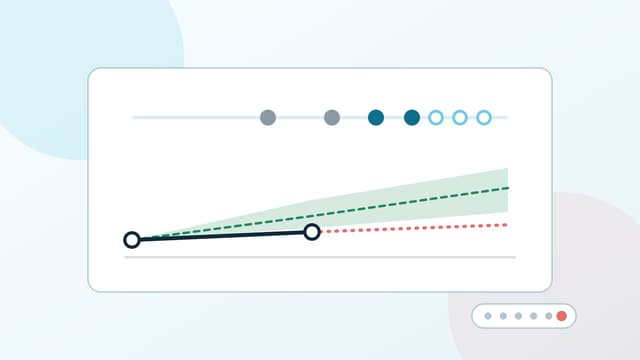
ParentSquare Attendance Plus and Apptegy Attendance Pro both do tiered early warning off attendance data alone. Thrive Attendance+ triangulates attendance with behavior and SEL signals already living in Thrive, and shows its work: explainable factor chips on every flag, pattern detection, a standing watchlist, and case management backed by an intervention catalog, so a flag turns into a next step instead of a spreadsheet.
The notice ladder underneath it is not a generic three-letter sequence. Built-in state rule packs include California, Texas, Washington, and New York. California, Texas, and Washington are coded to statute: California’s combined unexcused-absence-and-tardy metric, Texas’s dual rolling windows, Washington’s calendar-month reset. New York ships a default ladder for the district to adjust. Packs ship marked unreviewed and activate when picked, and the app shows a banner telling you to verify the pack with your counsel. We’re not selling “legally compliant out of the box,” because no vendor honestly can; we’re selling a ladder built around your state’s rules, and the review is your district’s to do.
Mailed letters wait for a certified translation
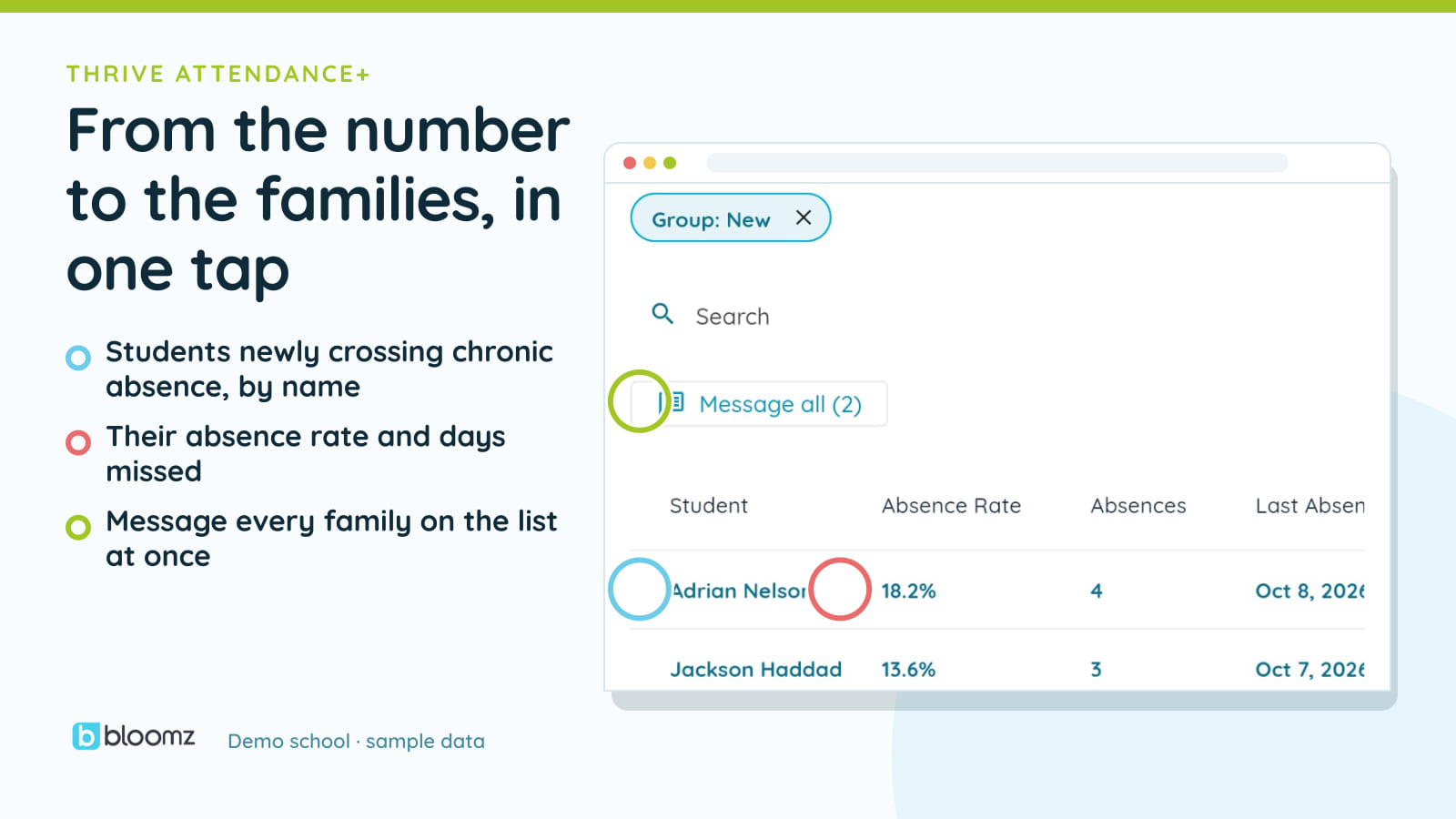
Once a ladder step fires, letter detection runs nightly and lands drafts in an approval queue with batch approve, so a clerk isn’t opening two hundred letters one at a time. Letters need staff approval before they go (auto-submit on approval is optional). Approved letters deliver by portal or email, or go to print-and-mail through a vendor integration once your district has set it up and loaded mailing addresses (from a CSV or manual entry, not the SIS).
Translation follows a strict path: a machine draft, a human reviewer, then certification. By default, a mailed letter with an uncertified machine translation is held until a human certifies it; if no translation exists, the English letter goes out. A letter delivered digitally can carry a labeled machine draft in the meantime, so a family isn’t left waiting on a translator for something they can read today. Languages default to your district’s top guardian languages, not a fixed list.
Compliance exports, letters, cases, outreach, an attendance summary, and the audit trail, download as one package when a state or district asks for the paper trail.
The reply, and the numbers, live one door over
Two pieces of this story have their own posts and aren’t repeated here. A guardian’s text reply to an absence notice now correlates to the exact outreach it’s answering and can auto-excuse the day, read about it in Attendance Conversations. And the heatmap, the ADA funding estimate, and the period-by-period report live inside the Dashboards Attendance lens, not a separate hub, covered in Attendance Analytics, in the Lens You Already Open.
Thrive Attendance+ also carries positive recognition for streaks and tier exits, and an Attendance Message Series on Premium+ that branches on a student’s real attendance, so the outreach a family gets isn’t only the bad news.
What it isn’t
Thrive Attendance+ is not an SIS attendance-taking system. Your SIS stays the system of record for who was marked present; Thrive Attendance+ reads that truth and acts on it. The ADA figure is a funding estimate for planning conversations, never a claim filing and never a dollar result you’d submit to a state. And a state pack’s legal language is your district’s to verify with your counsel; we ship the ladder, and the app reminds you to check it.
Where it lives
See the full picture on the Thrive Attendance+ product page, or on Thrive, the whole-child platform it’s part of. The reply and record loop is in Attendance Conversations and the Weekly Learning Summary, and the numbers are in Attendance Analytics, in the Lens You Already Open. If your district is already on Bloomz 360, ask your success manager to walk through what’s already turned on for you.