There is a particular kind of app sprawl that only teachers experience. Not the district kind — five vendors, five contracts — but the tab kind. A timer in one browser tab. A random-name spinner in another. A noise meter someone shared in a staff meeting three years ago. None of them know each other, none of them know your roster, and none of them leave any trace that the lesson happened.
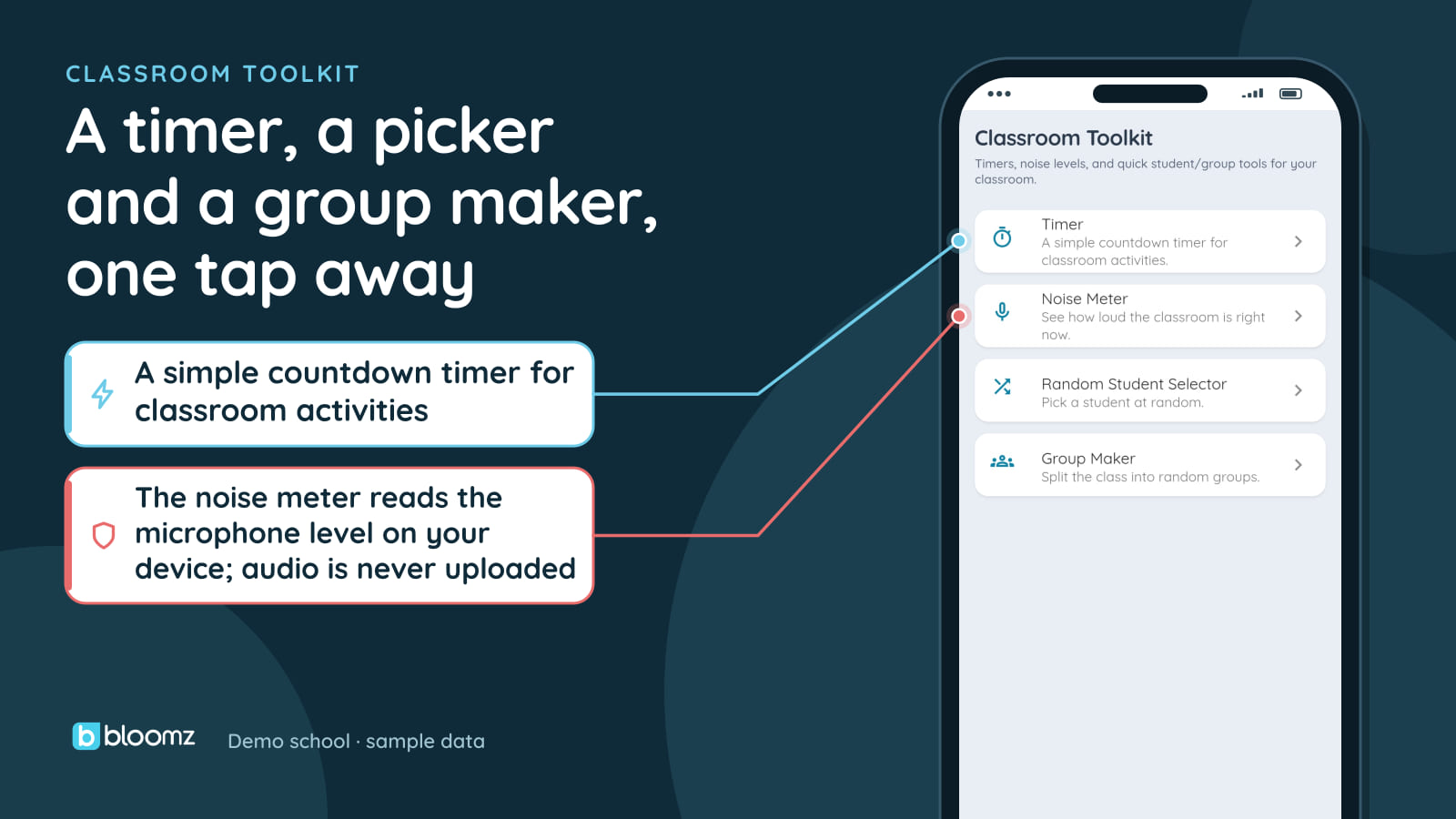
The four of those a teacher actually reaches for mid-lesson now live in Bloomz: a timer, a noise meter, a random student picker, and a group maker.
All four run on the device
Worth saying plainly, because it is the first question a thoughtful teacher asks about a noise meter: it reads the microphone level on your device, and audio is never uploaded. It draws the bar from the mic’s amplitude locally. Nothing goes to Bloomz. The timer is the same: local, offline, no network call.
The picker and the group maker do read one thing — the class roster — and they read it through the same call the Interactions page already makes. Not a second roster, not a copy that drifts.
The part that makes it more than a widget drawer
Anyone can ship a timer. The reason this is in Bloomz rather than a bookmark folder is where it hands off.
When the random picker lands on Maya and she does something worth noticing, Recognize posts through the same Interactions endpoint every other recognition in Bloomz uses. It lands on the same behavior record, feeds the same reports, and notifies her family in their language — exactly like a recognition given from anywhere else in the platform.
When the group maker shuffles the class into teams, Save as Teams writes them as real Interactions teams, so next lesson they are still there.
This is a rule we hold ourselves to: one ledger. A classroom tool that kept its own private score would look almost identical in a demo and be quietly useless in practice — the points would live nowhere, roll up to nothing, and tell families nothing. If an action is worth recognizing, it belongs on the record the family already follows.
And because a teacher running a class should not have to go hunting, the toolkit opens from the Interactions page itself, not just from a menu.
Two things we decided not to build
We think it is worth being direct about scope, because both of these were built and then deliberately removed.
Student avatars. An early version shipped a small catalogue of avatars a student could pick. We cut it. Bloomz already has Behavior Themes — a server-driven, age-banded catalogue with real commissioned art that syncs across devices and respects your plan. The avatar catalogue was a second, weaker identity system that never synced and was visible only on the one device that set it. Two competing identity systems is worse than one good one.
An SEL video library. Also built, also removed. The surface worked; there was no content behind it, and no plan to license or produce any. An empty shelf is not a feature. It advertises a library with nothing in it, and it invites a comparison on precisely the axis where we would have had nothing to show. We would rather ship four tools that work than five where one is a promise.
If SEL video is what your school needs most, that is a real reason to look at ClassDojo, and we would rather you hear it from us than discover it in month two.
Where it is
Classroom Toolkit is included in Bloomz Essentials and every tier above it — no add-on, no upgrade. It is off by default and enabled per school, like every new module. See it on the Wellbeing & Culture page, or in the full 2026-27 What’s New walkthrough.