
Screened at the door, not discovered later
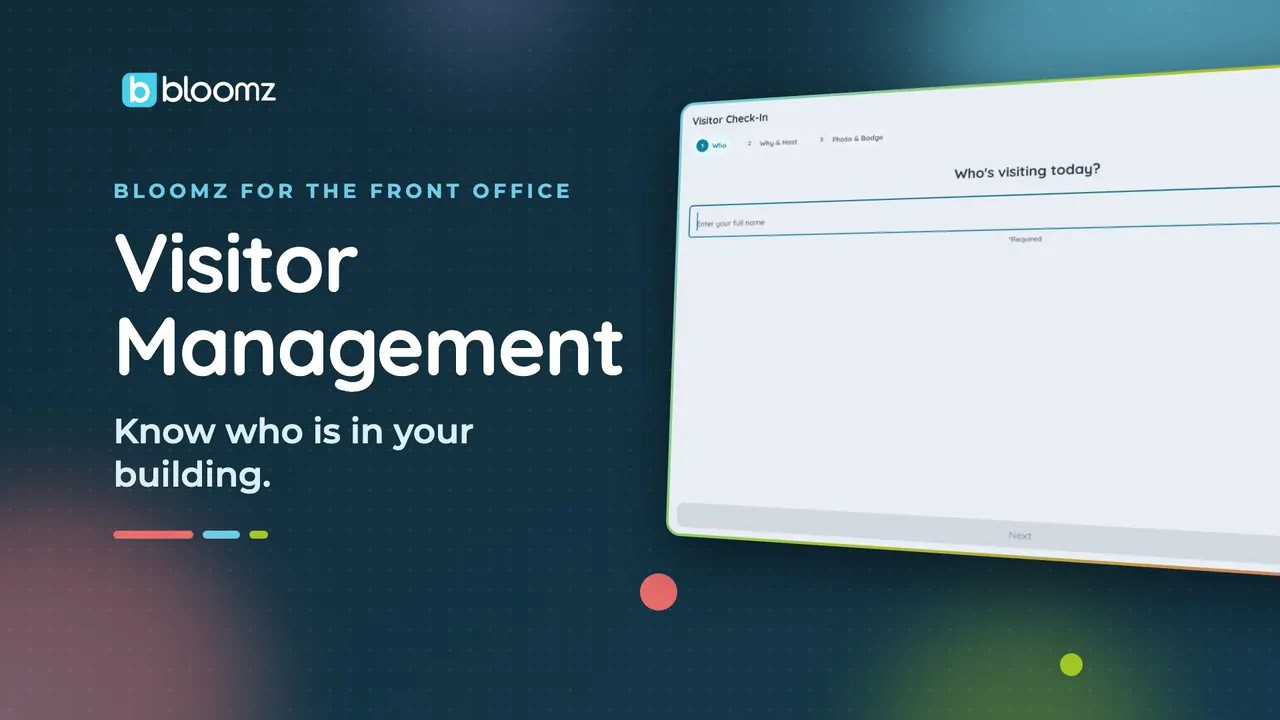
The moment a visitor's name is entered, it's screened against the custom watchlist your school maintains — Every check-in is screened against your school's own watchlist, and a match raises an alert on the office visitor board. Sign-in takes seconds at a kiosk or the front desk, the badge carries the photo, name, date, and destination your policy requires, and the host gets a notification that their visitor has arrived.
One visitor board on the platform you already run
Visitors sign in on the same platform as your staff and students; the office sees who's in the building on one visitor board, including the book-fair volunteer who signed in at 9:40. Day to day, the visitor log is paged, filtered, and searchable, exports to CSV, and anyone still signed in at day's end surfaces on your Pulse dashboard automatically.

Volunteer hours accrue two ways: automatically when a visitor signed in as a volunteer signs out, and by coordinator entry. Totals per volunteer and per activity, exportable for recognition and reporting.
Bloomz and standalone school visitor management systems
The pages that rank for "school visitor management" are mostly standalone visitor systems. They do some things Bloomz does not, so here is the honest comparison.
| Bloomz | Standalone visitor systems | |
|---|---|---|
| Screening | Each name is checked against your school's own watchlist at sign-in | Many scan a government ID and check registries such as sex offender databases |
| Badges | A photo badge with the fields your policy requires, printed on the spot | Photo badges, often printed from the scanned ID |
| Where it runs | On the same platform as your staff, students, dismissal and volunteers | A separate system with its own login and records |
| Volunteers | A volunteer's sign-out logs their hours automatically | Often a separate volunteer module or product |
| Best fit | Schools that want the front desk on the same platform as the rest of the school day | Schools whose policy requires ID scanning against state or national registries |
Based on the public pages that ranked for this search in Google (US) in November 2026. Check each vendor's current materials before you decide.
Common questions
Software that signs visitors in and out of a school building. It records who they are and where they are going, screens them, prints a badge, tells their host they have arrived, and keeps a log the office can search.
Each name entered at sign-in is checked against the watchlist your school maintains, and a match raises an alert on the office visitor board.
Bloomz screens against your school's own watchlist. If your policy requires an ID scan or a check against state or national registries, confirm how you will meet it before you switch.
Yes. Sign-in at a kiosk or the front desk prints a photo badge with the name, date, destination and any other fields your policy requires.
The host gets a notification as soon as the visitor signs in.
Yes. The log is paged, filtered and searchable with CSV export, and anyone still signed in at the end of the day is flagged on the Pulse dashboard.
Connected across Bloomz
20 minutes with Bloomz
answers more than 20 pages ever could.
Bring your hardest scenario, a multilingual community, a PBIS rollout, a vendor consolidation, and we'll walk through the actual product.